Website to Markdown for LLMs and RAG in One Request
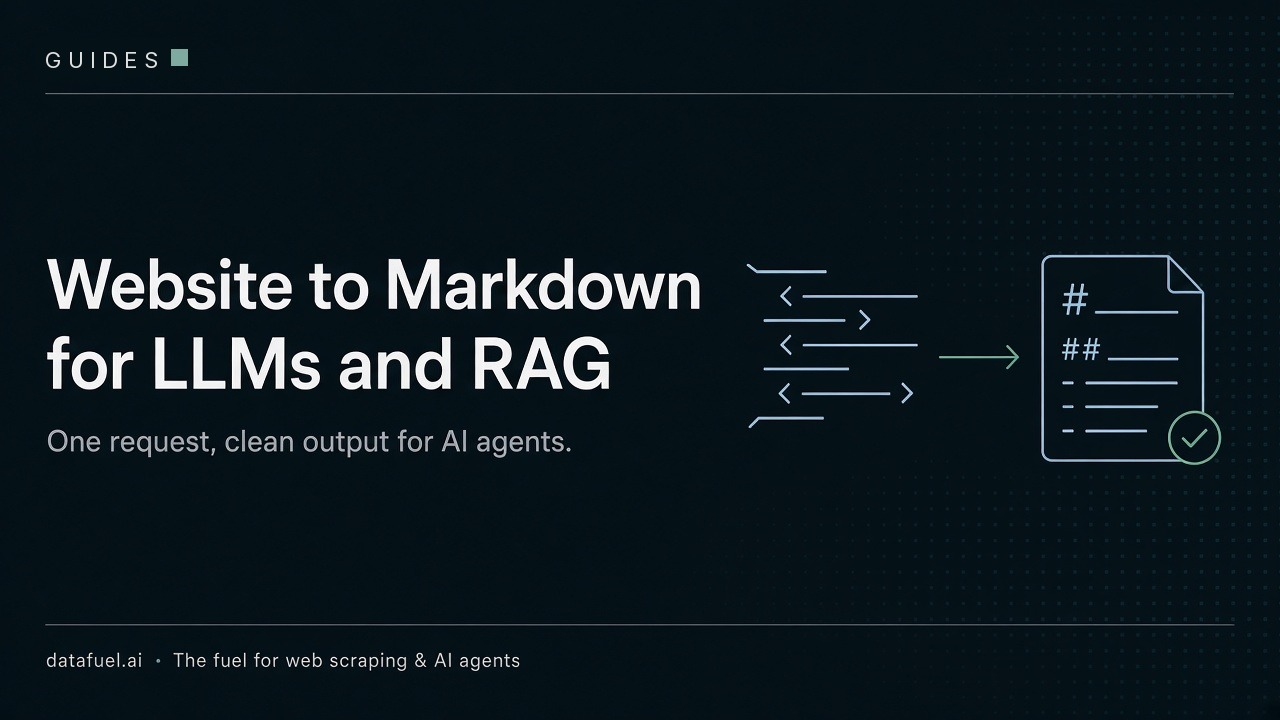
Website to Markdown conversion keeps the structure of a page and drops the layout code. Your LLM gets the same content in far fewer tokens.
This guide shows why it matters, what good markdown output looks like, and how to get it with one request.
Why LLMs read Markdown better than HTML
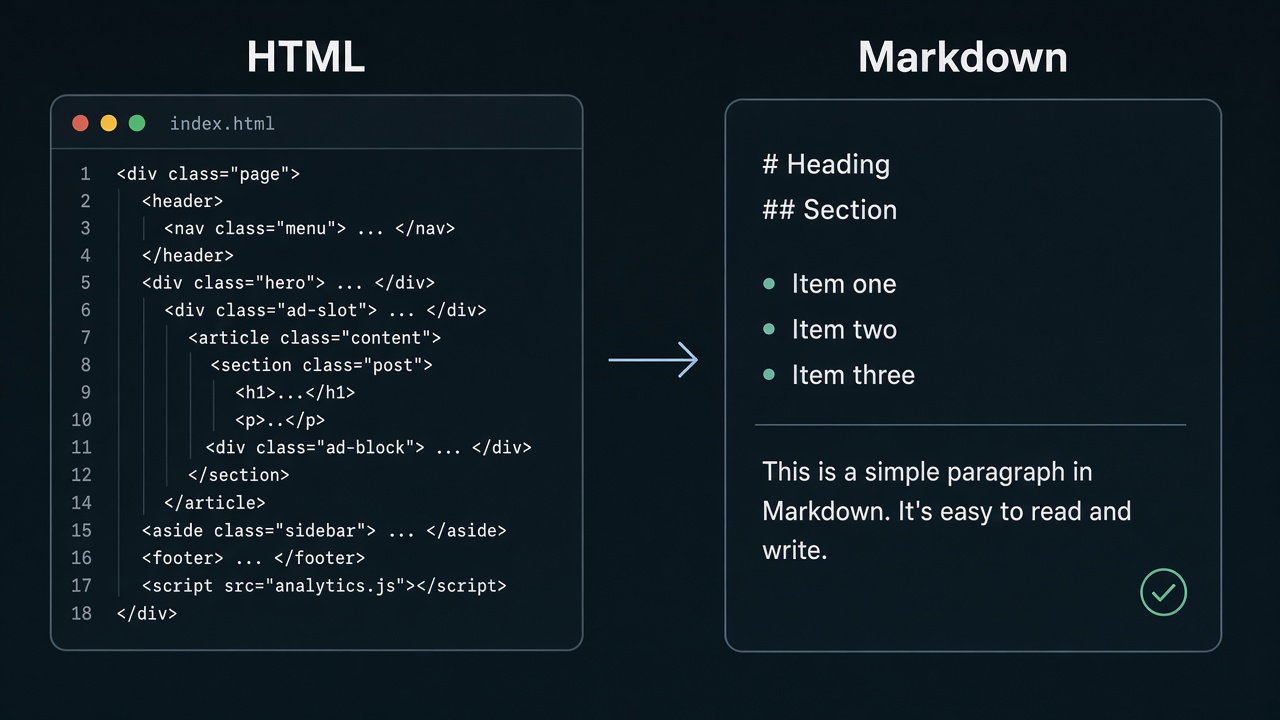
Raw HTML is mostly noise. Menus, scripts, styles, tracking tags and cookie banners all become tokens.
Switching from HTML to Markdown helps in three ways:
- Cost. Every token costs money and fills the context window.
- Structure. Markdown keeps headings, lists and tables, so chunkers and models can follow the page.
- Retrieval. A RAG chunk full of footer links matches the wrong queries. Clean chunks retrieve better.
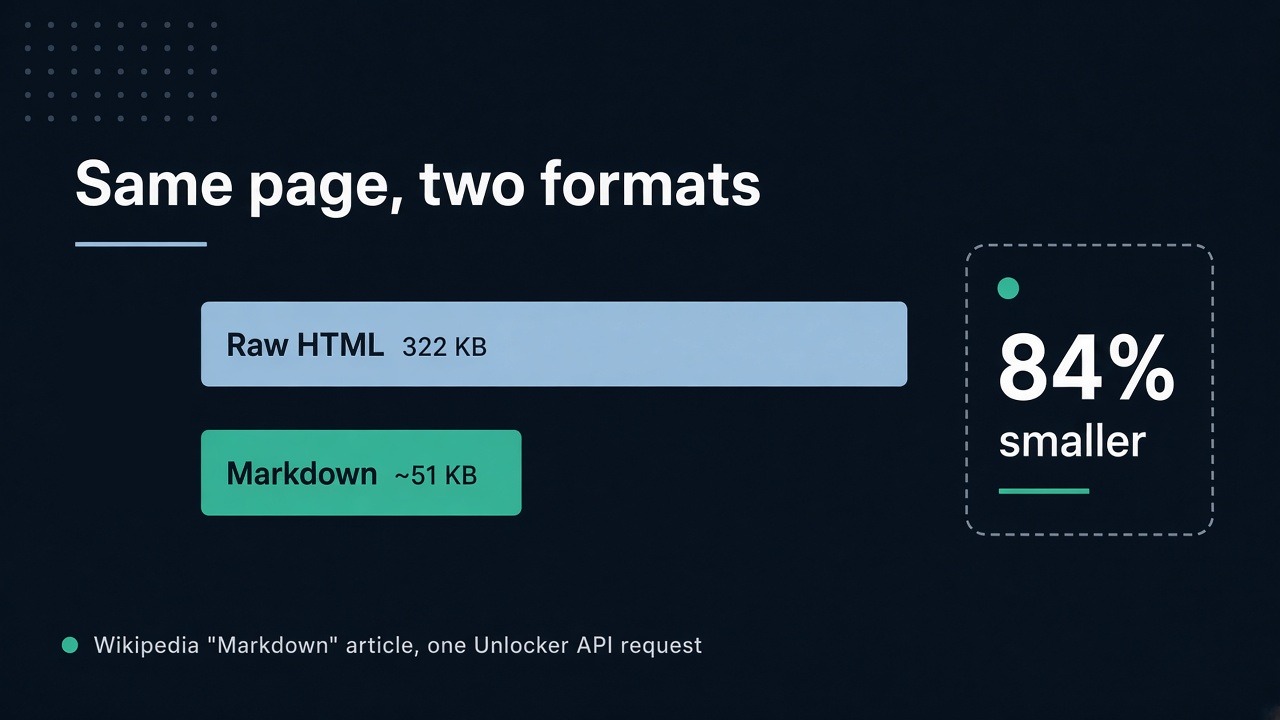
We ran a test on 16 October 2026 with the English Wikipedia "Markdown" page. The raw HTML weighed 322 KB. The Unlocker API returned about 51 KB of Markdown, 84% smaller, for 1 credit in about 1 second. Wikipedia is a clean page, so pages with lots of ads shrink more.
What a good markdown converter keeps
Stripping tags is not enough. A good markdown converter decides what matters.
Keep: headings, paragraphs, lists, tables, links with real URLs, code blocks, and the page title and URL.
Drop: menus, sidebars, footers, cookie banners, pop-ups, scripts, tracking code and ads.
A product page with a cookie banner, a menu and an analytics script becomes four clean lines: the title, the price and two specs.
Our markdown output starts with a small metadata block with title, URL and language. It helps you track the source of each chunk.
Convert a web page to Markdown with one request
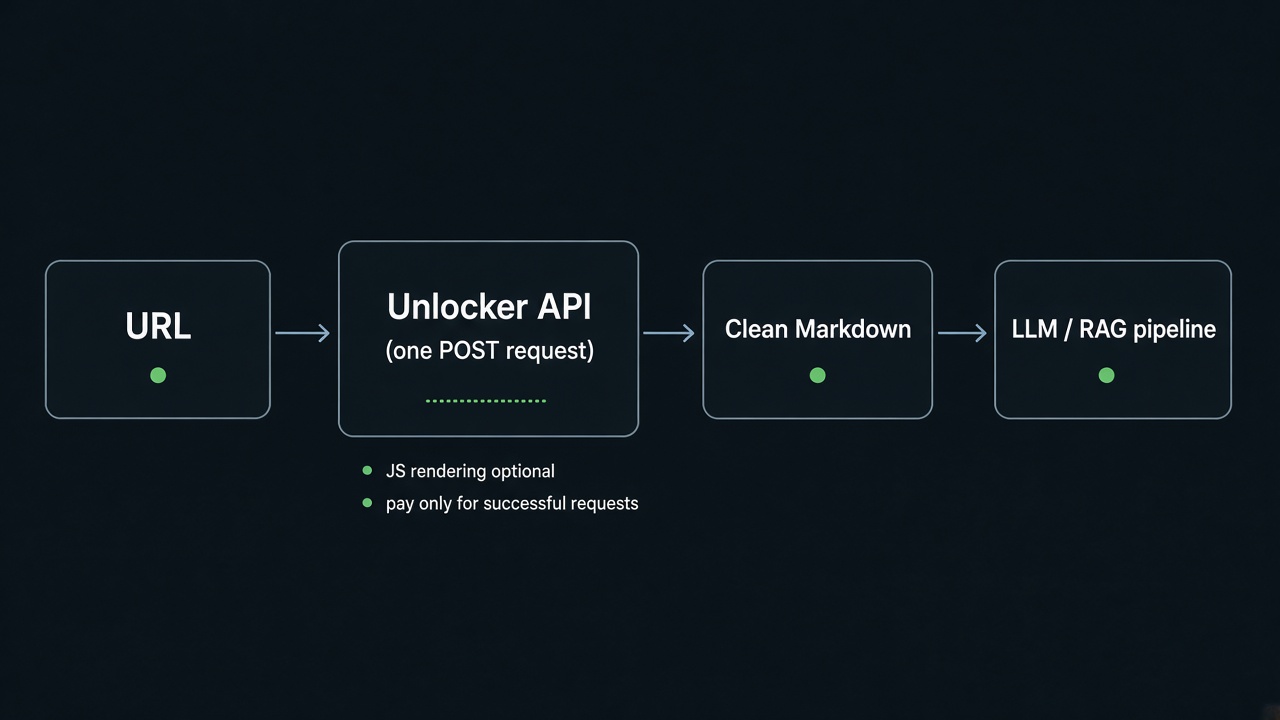
The Unlocker API fetches the page through our own proxy network. It handles anti-bot checks, CAPTCHAs and JavaScript when needed. Set result_format to markdown, add main_content_only for the main text, and set include_images to false to skip images.
curl -X POST https://scraping-api.datafuel.ai/api/v1/task \
  -H "X-API-Key: YOUR_API_KEY" -H "Content-Type: application/json" \
  -d '{"type":"unlocker","proxy_type":"Basic","attributes":{"url":"https://en.wikipedia.org/wiki/Markdown",
  "result_format":"markdown","main_content_only":true,"include_images":false}}'
Check status first, then status_code and final_url. A 200 can still be an error page, so look at the content too.
A Basic page costs 1 credit. Premium proxies cost 10. JS rendering raises these to 5 and 20. We refund failed requests, and you start with 1,000 free credits.
Markdown tool or API?
Open-source tools like Turndown, markdownify, html2text and Pandoc convert HTML to Markdown well. Each one is a solid markdown tool for clean pages. They fit public pages with no blocking and no JavaScript. You still run the fetching, proxies, retries and headless browsers yourself.
An API does fetching, unblocking and conversion in one call. If a plain request gets the page, a library is enough. If sites block you, an API saves the infrastructure work.
To cover a whole site, run the Map API on the start URL, then a Crawl API job with result_format set to markdown. Each page costs the same as an Unlocker request.
FAQ
Can it handle JavaScript-heavy pages?
Yes. Set js_rendering to true and the page loads in a real browser first. It costs 5 credits on Basic and 20 on Premium.
When should I use a Premium proxy?
Start with Basic at 1 credit per page. If the site blocks you, the task fails and you pay nothing. Then retry with Premium.
Is this the same as scraping?
Scraping fetches the page, and conversion turns it into Markdown. The Unlocker API does both, so one request turns any web page to Markdown.
Try it on your own pages
Get 1,000 free credits with no card and run your first website to Markdown request.